Thermaltake Lumi Color 256C RGB Magnetic LED Strip Control Pack
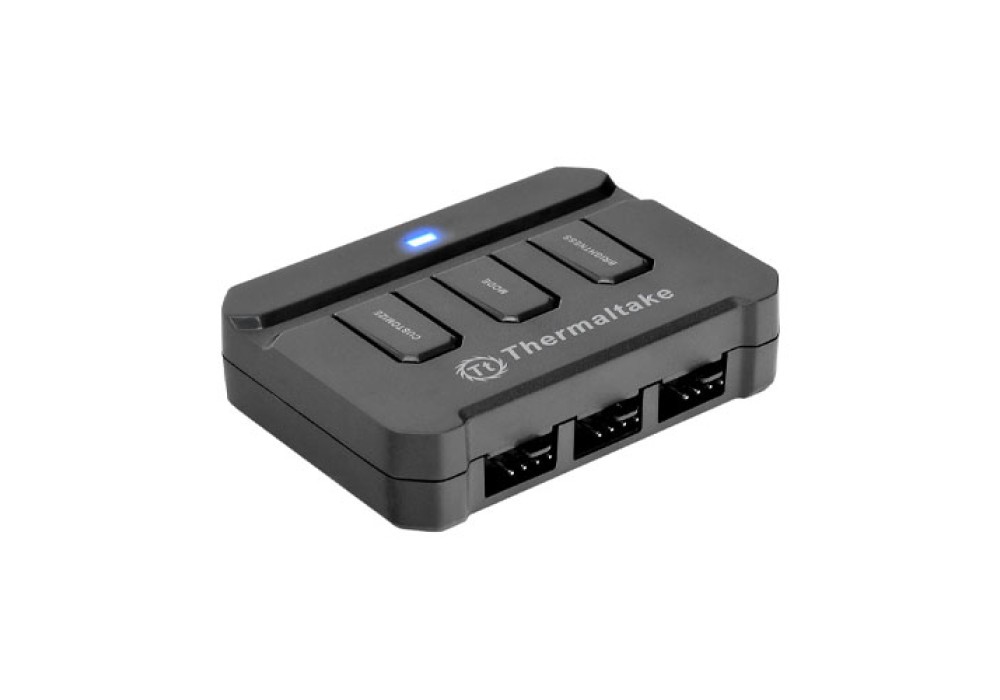
With 256 distinctively gorgeous illumination display colors, the new Lumi Color 256C is ideal device for lighting up and bringing colors to a chassis. Powerful high-grade black neodymium magnets allow users to easily attach and remove the LED strips from any metal surface. Equipped with a seven single-color flashing mode and three levels of brightness adjustment, the Lumi Color 256C control pack includes all the necessary cables to connect up to 3 channels of LED strips.
Magnetic LED Strips
Six powerful high-grade neodymium magnets are embedded in the LED strips, and can be easily attached and removed from any metal surface. In addition to applying on to the chassis, the magnetic LED strips can also attach to power supply covers, radiator shrouds, or open frame system. On top of that, the Lumi Color 256C comes with top quality 3MTM adhesive back stickers for non-metal surfaces.
Customized Lighting Effects
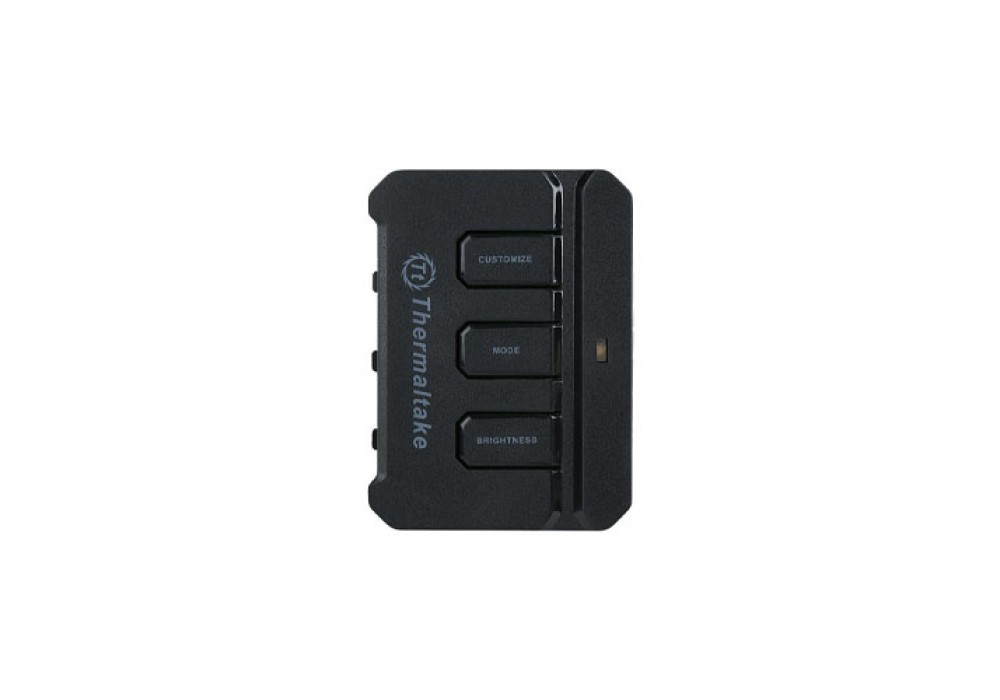
Press the “CUSTOMIZE” button to start the 256-colors mode, LED colors will automatically change in order. Press again to memorize and lock the color currently displayed color.
3 Adjustable Brightness Levels
Press the “BRIGHTNESS” button to adjust the brightness of the LED strips between three levels. Press and hold the button for 3 seconds to switch the LED lights on/off.